
|
Guideline of remote desktop (simple help) |
|
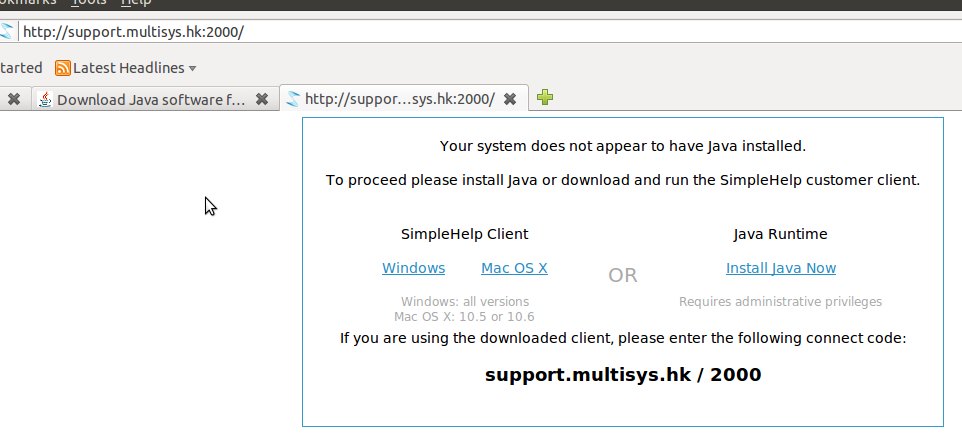
0.If your PC does not have Java Run Time (JRE) , you can click on 'download client' to download and install suitable Client. Reminder : you need to have JRE for corresponding platform, e.g. 64 bit java run time for windows 64 bit or Mac OS X 10.6 |
 |
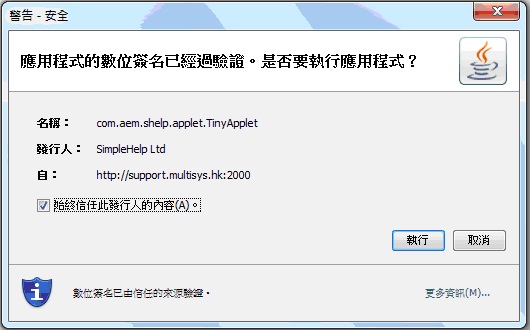
| 1. After enter the web-link, you can see the Windows Security Alert, then click “執行” |
 |
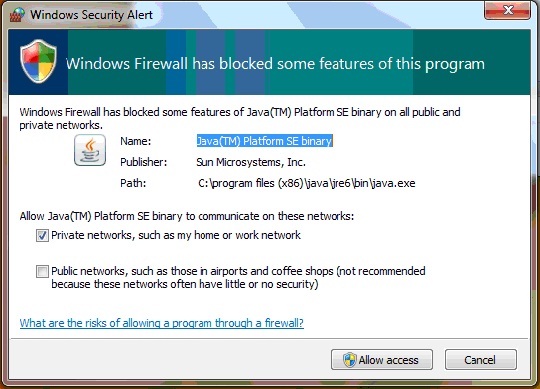
| Windows Security Alert in Windows 7 |
 |
|
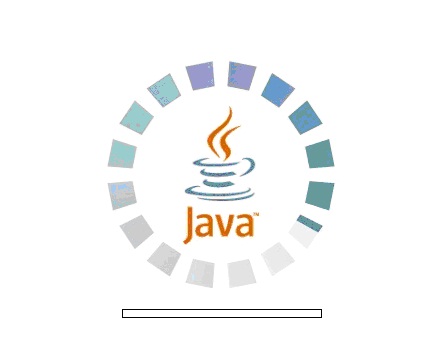
2. Then you can see the java logo in website, wait for few second. |
 |
|
3. Then see simple help logo, wait for few second. |
|
|
|
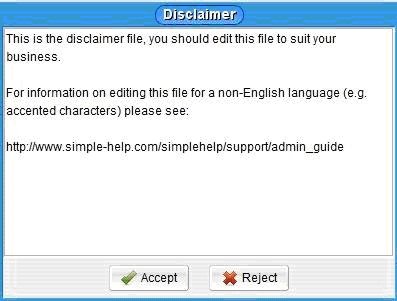
4. Click Accept button |
 |
|
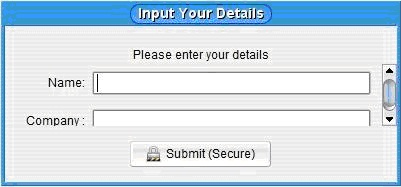
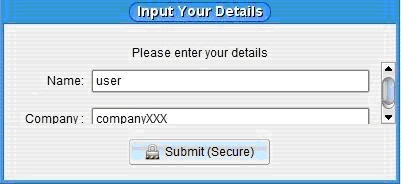
5. Enter your Name, and your Company |
 |
|
for example: |
 |
|
6. Click Submit (Secure) button, then it finished. |
Multisys Network Co. Ltd. 多元網絡有限公司