Reminder :
You may need extra Lotus Domino License for additional user account. Please consult our technical consultant before create user account.
1. Start domino administrator
3. Click the tab “people & groups
4. click on pane (right-hand side), people -> register
5. click on button 'Certifier ID' to choose your certifier. File name example : cert.id

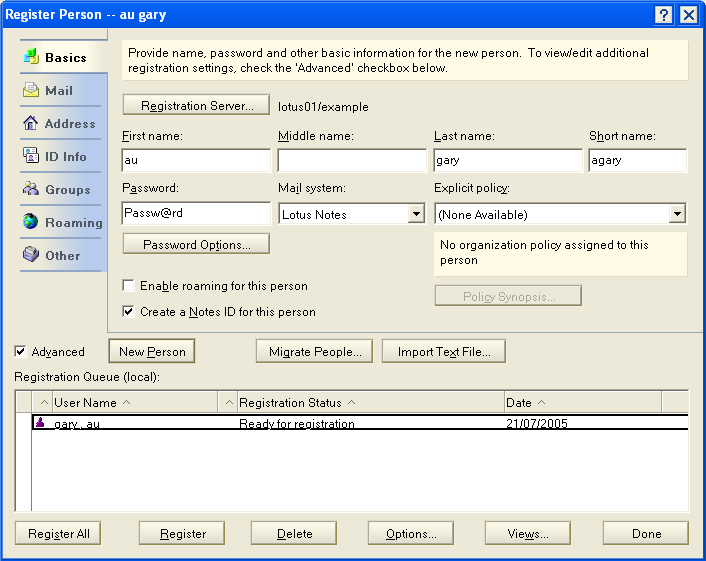
6.Fill in First Name , Last Name , Short Name , and password
7. Enable feature 'enable Roaming for this person'
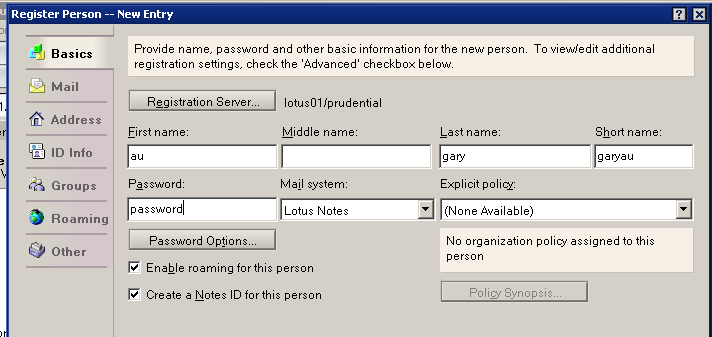
8. enable 'Advanced' option.
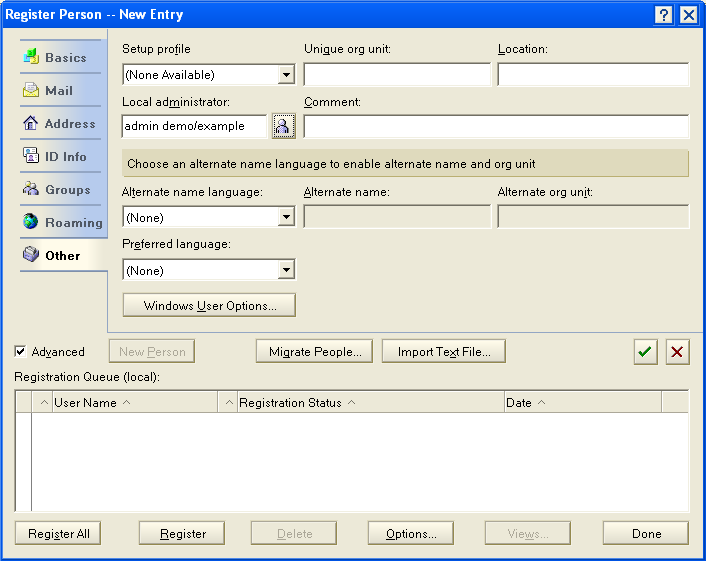
9.click on tab 'Mail' . We recommended to change 'mail file name' to match your user name

10.click on tab 'ID info. Choose 'in file' , then click on 'set ID file' . Then save the ID file into your local harddisk (e.g. c:\ ) or Desktop
11. Click on green 'arrow' button
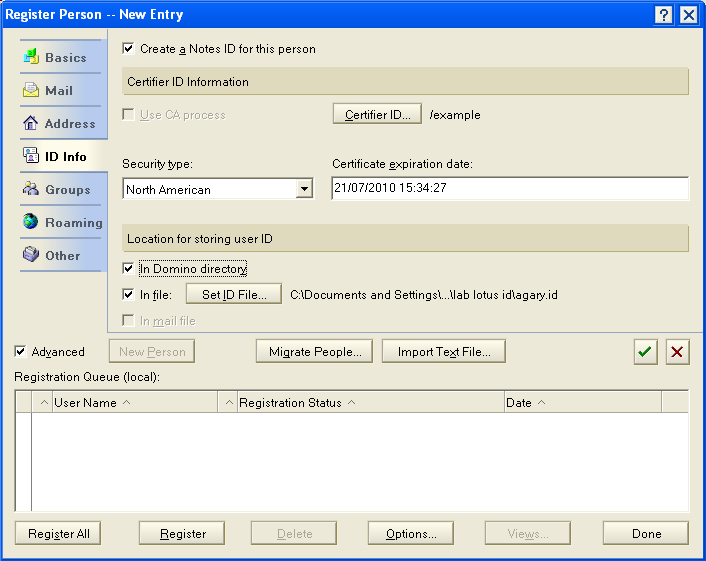
12.User is added.
13. click on 'register all' button to create a new user.